.svg)
Modular Workstation vs Traditional Workstation: Key Differences
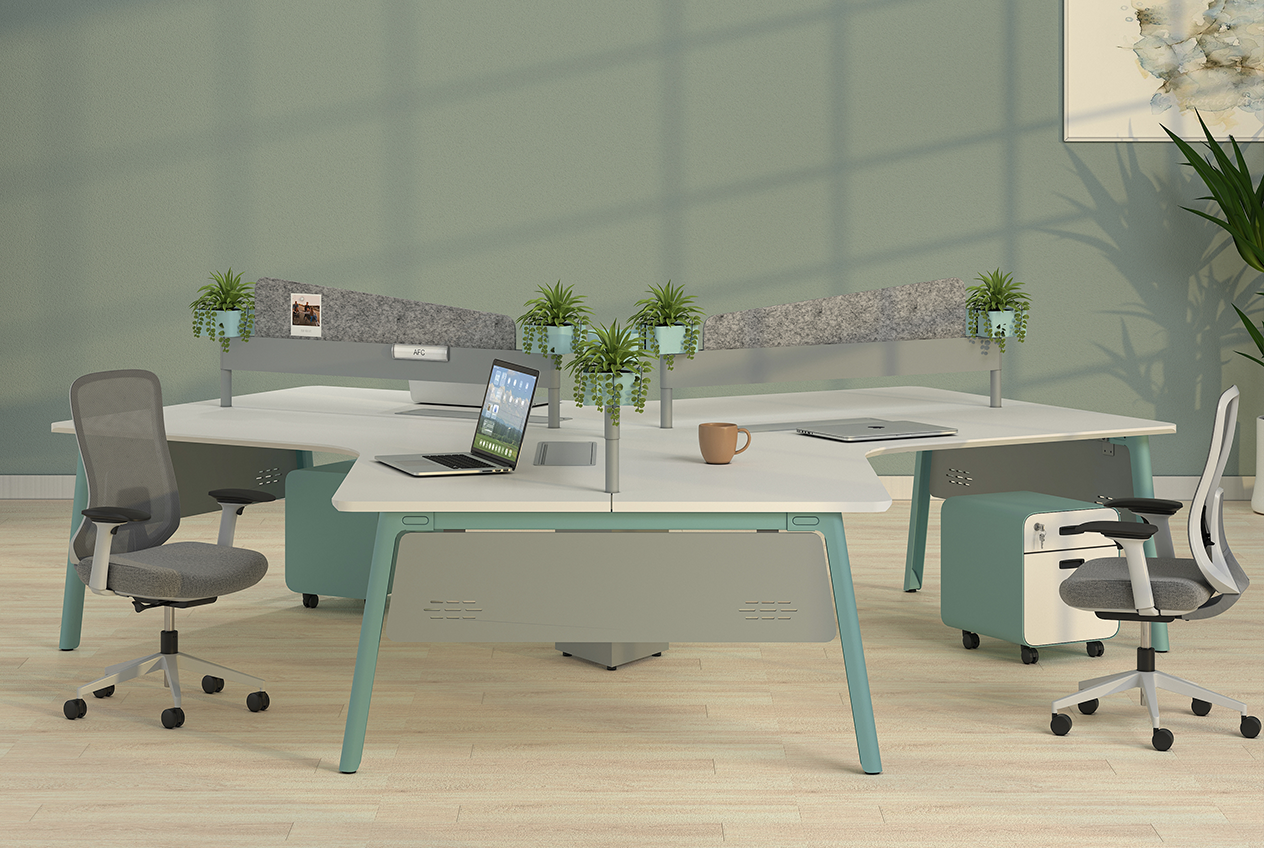
Compare modular and traditional workstations across cost, flexibility, ergonomics, layout and scalability to choose the right office setup.
Modular Workstation vs Traditional Workstation: Which Fits Your Office?
Choosing a modular workstation vs traditional workstation is now a strategic office decision because furniture affects floor-space use, cost per seat, collaboration and comfort. This guide explains each workstation type, how they differ across cost, flexibility, layout and ergonomics, and how office managers or fit-out planners can choose a setup that fits current needs and future change.
What Is a Modular Workstation?
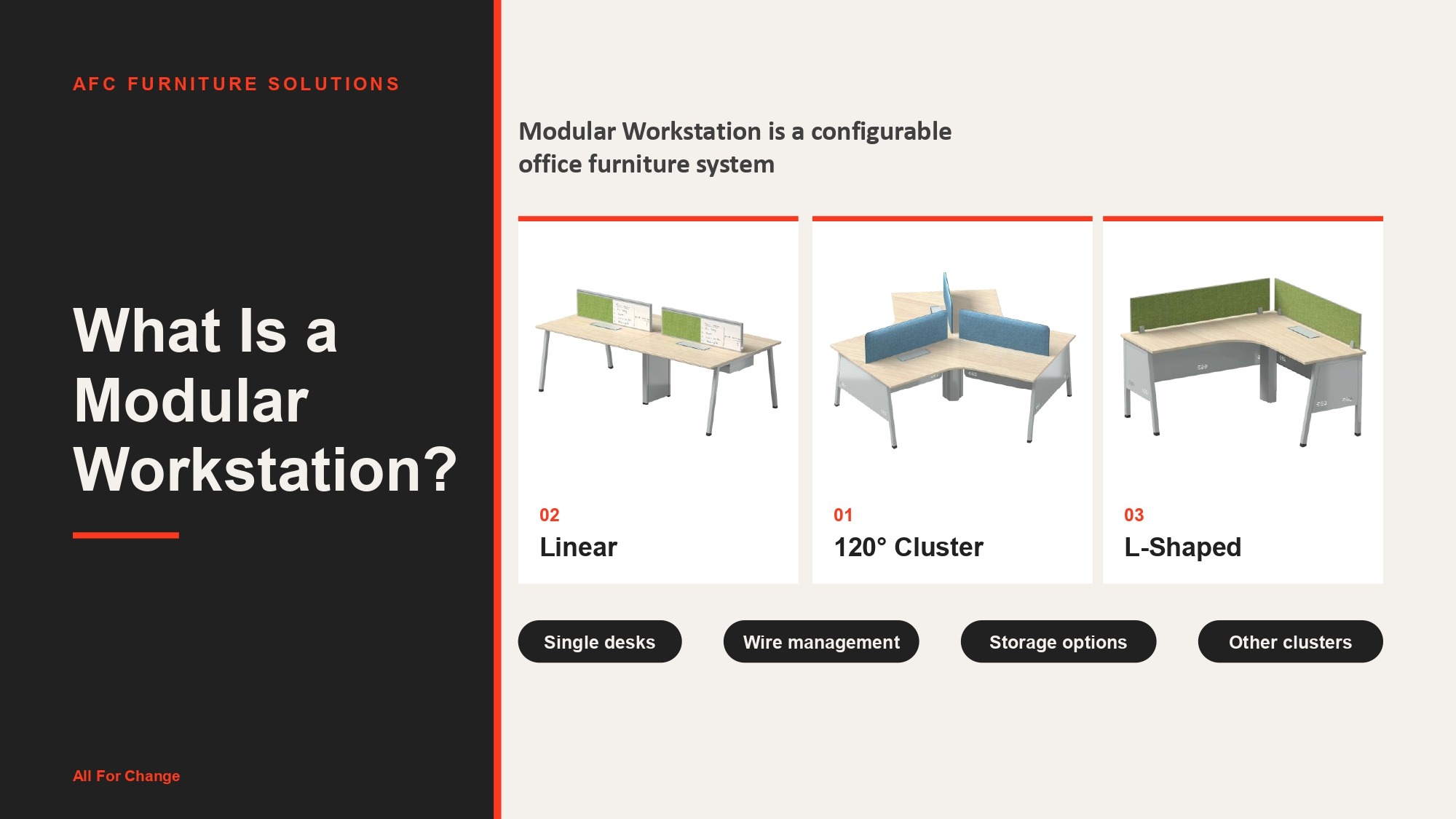
A modular workstation is a configurable office furniture system made from standardised components that can be assembled, separated or rearranged as workspace needs change. Depending on the system, it can support linear rows, clusters, L-shaped layouts and back-to-back arrangements while integrating storage, screens, power access and cable management.
This makes modular systems useful when teams grow or departments move. AFC Furniture Solutions’ DeskPro, for example, supports single desks as well as linear, L-shaped, 120-degree and other cluster configurations, with wire-management and storage options. Its adaptable components also help businesses maintain consistent workstation layouts across larger offices.
What Is a Traditional Workstation?
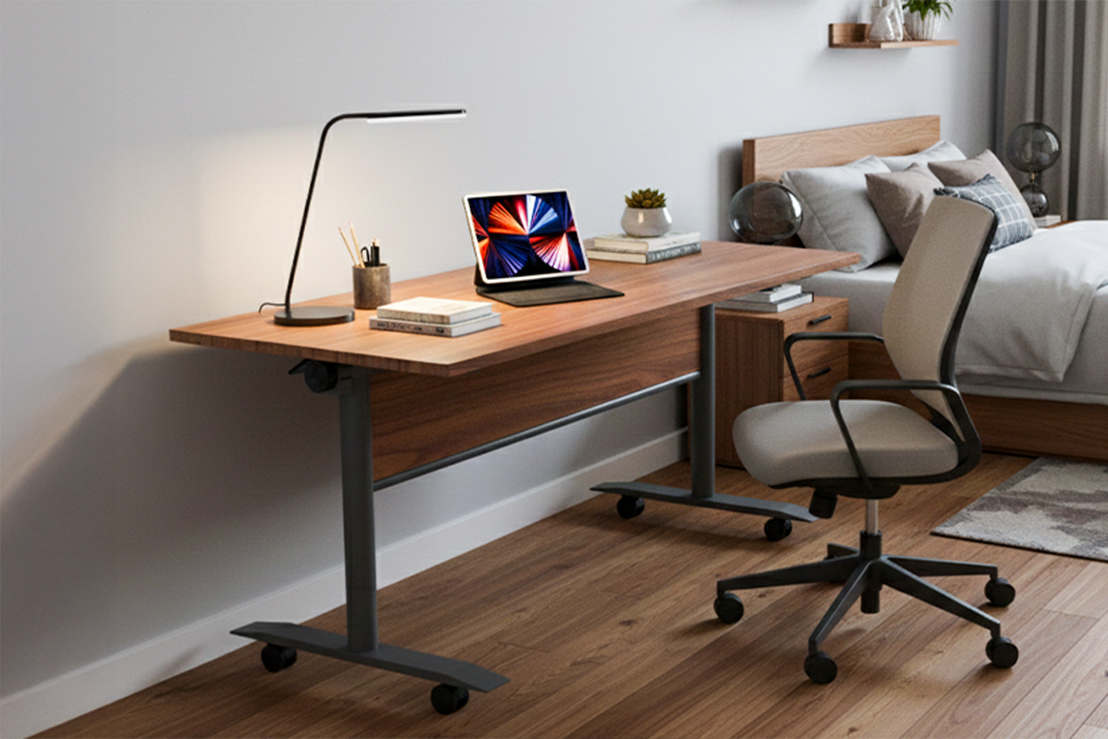
A traditional workstation is generally a standalone desk or fixed desk setup with a predetermined size and position. It may be factory-made or customised for a particular user or room and is often less convenient to reconfigure than a modular system.
That fixed format can still be useful. Traditional desks provide clearly defined personal work areas and can suit executive cabins, legal or finance functions, administrative roles, and offices that value privacy or a formal look. Where headcount and room use are unlikely to change, frequent reconfiguration may not be necessary.
Modular vs Traditional Workstation: The Key Differences
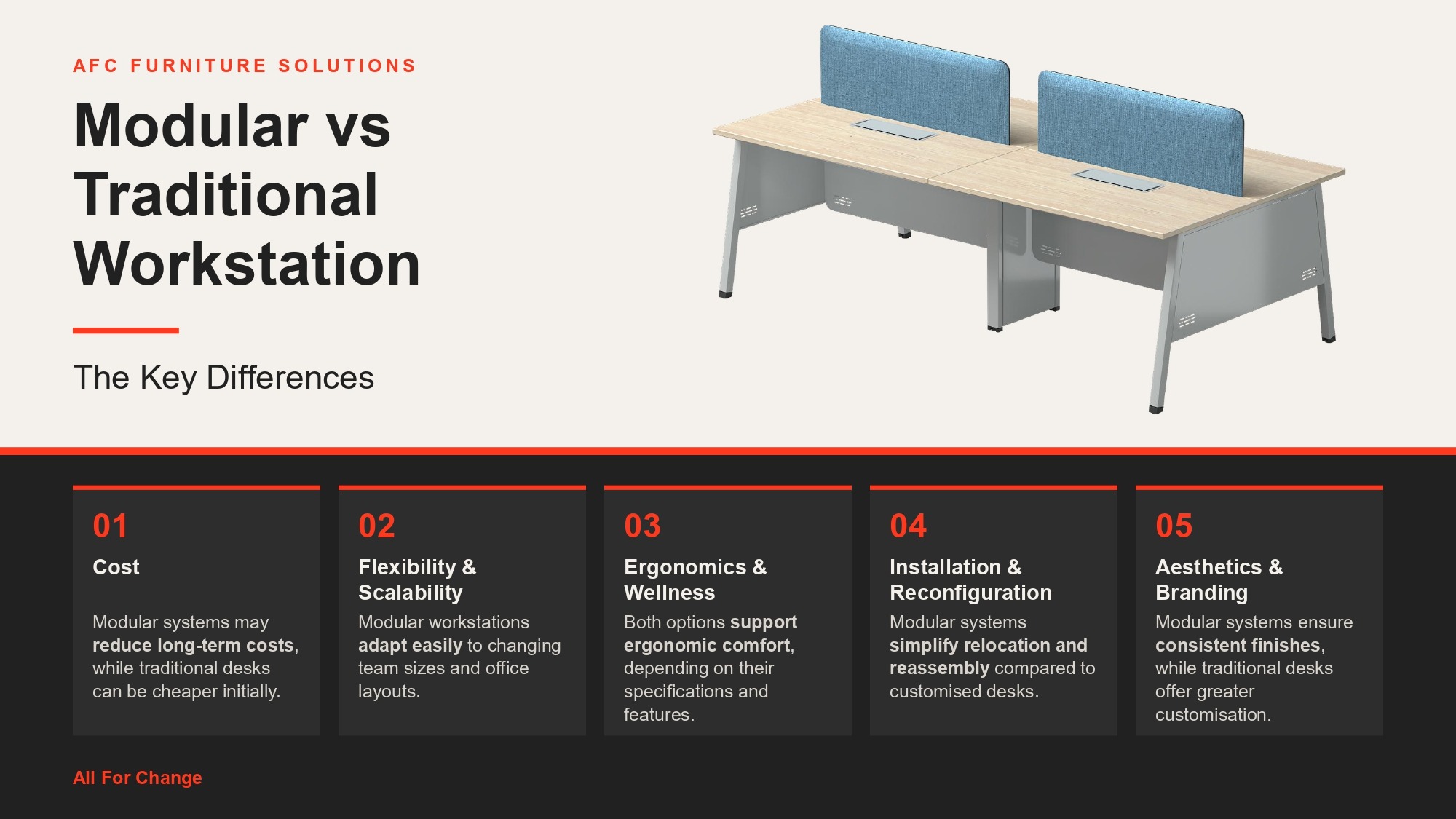
Cost
Neither option is always cheaper. Modular systems can require a significant initial investment depending on their features and specifications, but reusable components may reduce future refurnishing costs. Traditional desks can be economical initially, although expansion may require purchasing additional furniture.
Flexibility & Scalability
Modular units can often be added, rearranged or repurposed as teams change. Traditional desks generally require greater floor-plan adjustments or additional furniture when headcount grows.
Ergonomics & Wellness
Modular ranges can incorporate ergonomic options such as adjustable desk heights, screens and accessories. Traditional workstations can also be ergonomic, but this depends on the individual desk specification rather than the workstation category itself.
Installation & Reconfiguration
Modular components use repeatable configurations, which can make reassembly easier. Traditional or customised desks may require more handling, carpentry or installation work when relocated.
Aesthetics & Branding
Modular systems make it easier to repeat finishes and colours throughout an office. Traditional desks can provide a classic or highly customised appearance where matching an established interior is important.
How Each Shapes Your Workstation Layout and Floor Space
Your workstation layout determines how efficiently a floor plate supports people, circulation, privacy and collaboration. Modular systems can be arranged into linear rows, back-to-back setups, L-shapes or clusters, helping planners respond to different team sizes and room geometries without replacing the entire setup.
For example, AFC Furniture Solutions’ DeskPro includes multiple cluster formats, making it suitable for open-plan environments where seat counts or team adjacencies may evolve.
Traditional desks typically occupy individually defined footprints and may be harder to rearrange in volume. In offices with expensive floor space, hybrid seating or hot-desking, reconfigurability can therefore influence cost per usable seat and future planning flexibility.
Which Is Right for Your Office?
A modular office workstation is usually a strong fit when teams are growing, hybrid or hot-desking policies are in place, departments move frequently, or a business wants coordinated finishes across changing layouts.
Wellness-focused workplaces can also consider height-adjustable modular options. For instance, the Adaptable range from AFC Furniture Solutions supports single, back-to-back, L-shaped and 120-degree configurations, with height adjustment from 580 mm to 1210 mm.
A traditional workstation can still make sense for stable administrative, legal, finance or executive roles, particularly where privacy, a fixed room plan, an existing furniture style or a tightly controlled initial budget matters.
The best choice is therefore contextual. Select the workstation type that matches how frequently your office, headcount and working patterns are likely to change.
How to Plan Your Office Workstation Setup
Good office workstation planning starts with future needs rather than desk count alone. Estimate current team size and likely growth over the next three to five years, then map available floor area, circulation clearances and collaboration zones.
Compare total ownership costs, not only purchase prices. Consider whether teams need privacy or frequent collaboration, and identify power, data and cable-management requirements before selecting furniture. Also check whether the chosen system can accommodate future accessories or layout changes.
A simple rule helps: the more frequently your office is expected to change, the more valuable reconfigurability becomes. If the layout is likely to remain stable, a fixed workstation may be entirely appropriate.
FAQs on Modular vs Traditional Workstations
What Is the Main Difference Between a Modular and a Traditional Workstation?
A modular workstation uses configurable components that can usually be rearranged or expanded. A traditional workstation generally has a more fixed size and layout intended for a stable workspace.
Are Modular Workstations More Cost-Effective Than Traditional Desks?
They can be over time if components are reused during expansion or reconfiguration. However, actual costs depend on materials, features, specifications, installation and how often the workspace changes.
Which Workstation Type Is Better for a Small or Growing Office?
Modular workstations can suit small or growing offices because layouts can be adapted as teams expand. The right choice still depends on available floor space, budget and future headcount.
Can Modular Workstations Be Reconfigured Without Buying New Furniture?
Often, yes. Existing components may be rearranged into compatible configurations, although additional modules or accessories may be required depending on the system and new layout.
Do Traditional Workstations Still Make Sense for Any Office Today?
Yes. They can work well for stable roles, executive cabins, private offices and workplaces where the floor plan is unlikely to change frequently.
Which Is Better for Hybrid or Collaborative Teams?
Modular workstations are generally more adaptable for hybrid and collaborative teams because they can support changing seat counts, clusters and different workplace configurations.
Explore Other Popular Blogs



Let’s build together
Tell us about your project and we’ll help you plan, design, and deliver at scale.
.jpg)
.svg)