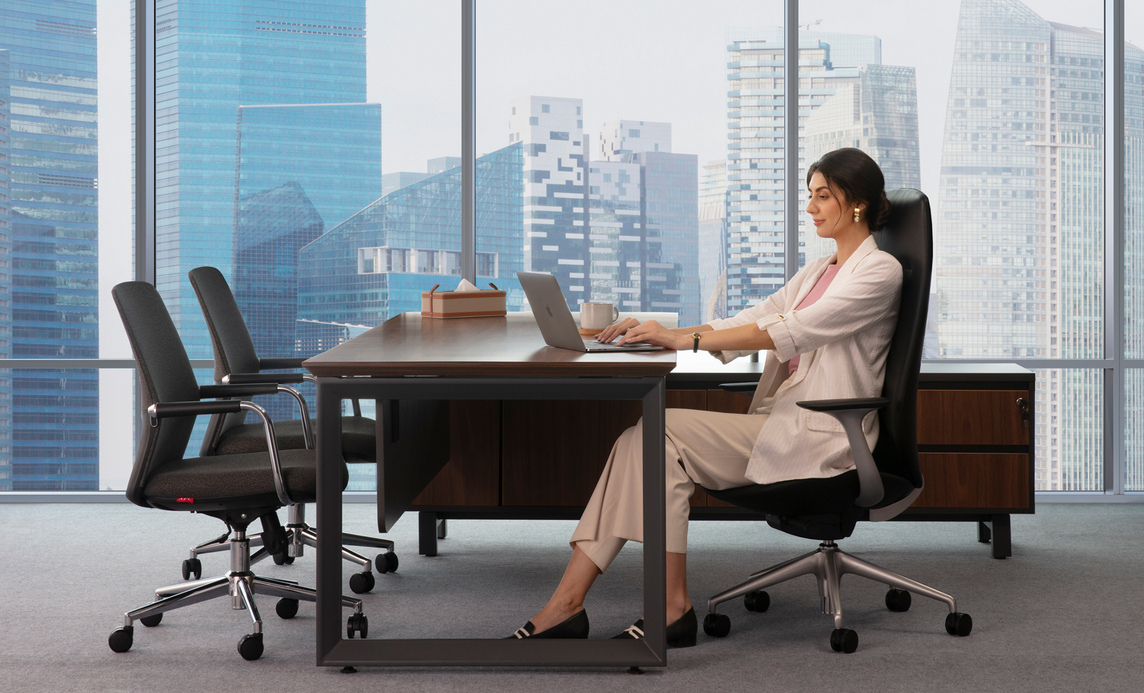
What Furniture Does an IT Office Need for Shift Work?
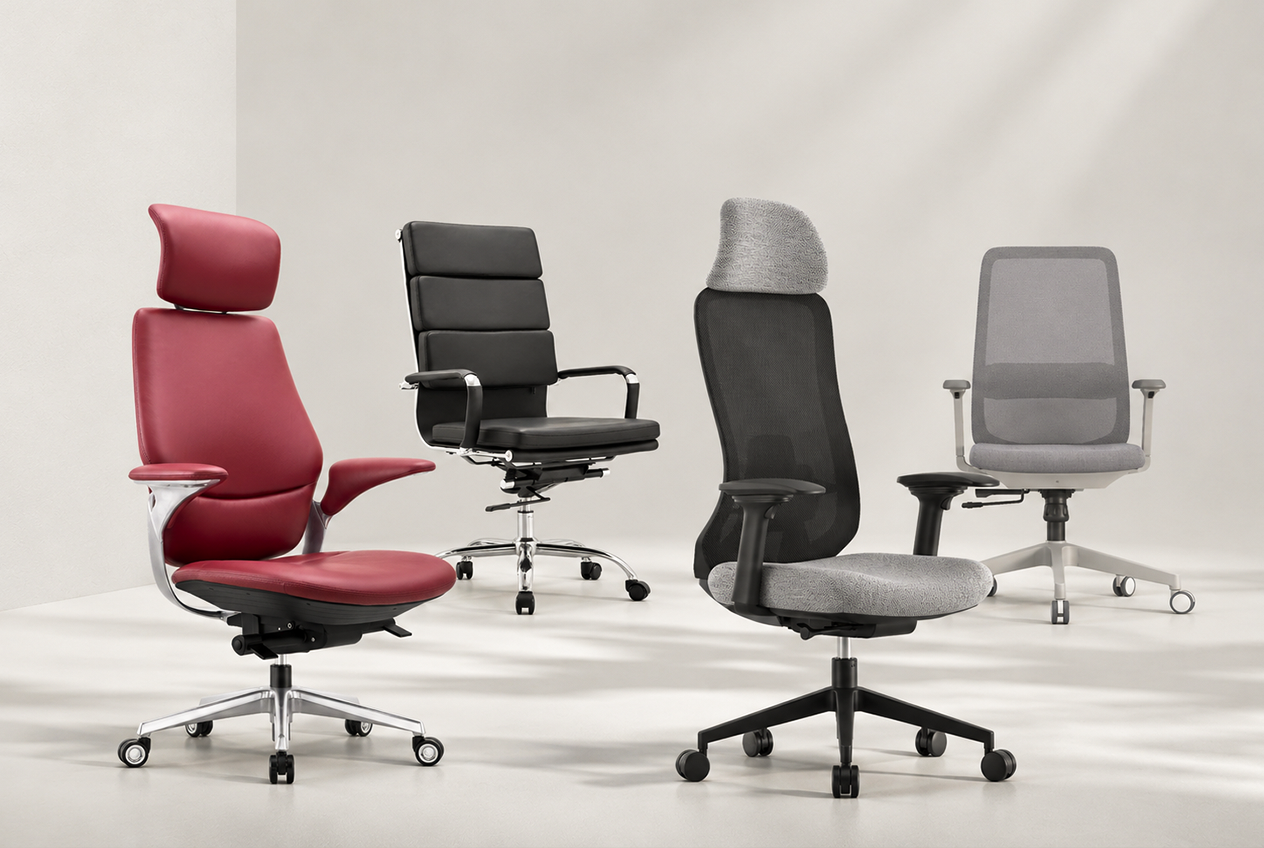
Understand the furniture requirements of a shift-based IT office, including workstations, ergonomic chairs, lockers, meeting rooms and break areas.
Choosing office furniture for IT companies is different from furnishing a regular 9-to-6 office. When teams work two or three shifts, the same desks and chairs are in use for 16 to 24 hours a day. That changes what you should buy, how much it needs to adjust and how long it has to last.
How Shift Work Changes Furniture Needs
Furniture for shift-based working has to handle two pressures that a day-only office rarely faces.
One Desk, Many Users
A single desk and chair may serve two or three people a day. Everything should adjust quickly and suit different heights and body sizes, so each person can settle in within a minute or two.
More Hours of Use, More Wear
Round-the-clock use wears out chair mechanisms, castors, desk edges and upholstery much faster. Commercial-grade furniture built for heavy use costs less over time than replacing lighter pieces every couple of years.
Furniture List for an IT Office
So, what furniture does an IT office need? Most can be grouped into five areas:
- Work floor: Workstations, ergonomic chairs, pedestals and partitions
- Shift support: Lockers and shared storage
- Meetings and focus: Meeting tables, phone booths and collaboration seating
- Break area: Cafe tables, chairs and lounge seating
- Leadership: Cabin tables and executive chairs
The sections below explain what furniture is needed for an IT office in each of these areas.
Workstations for Developers and Support Teams
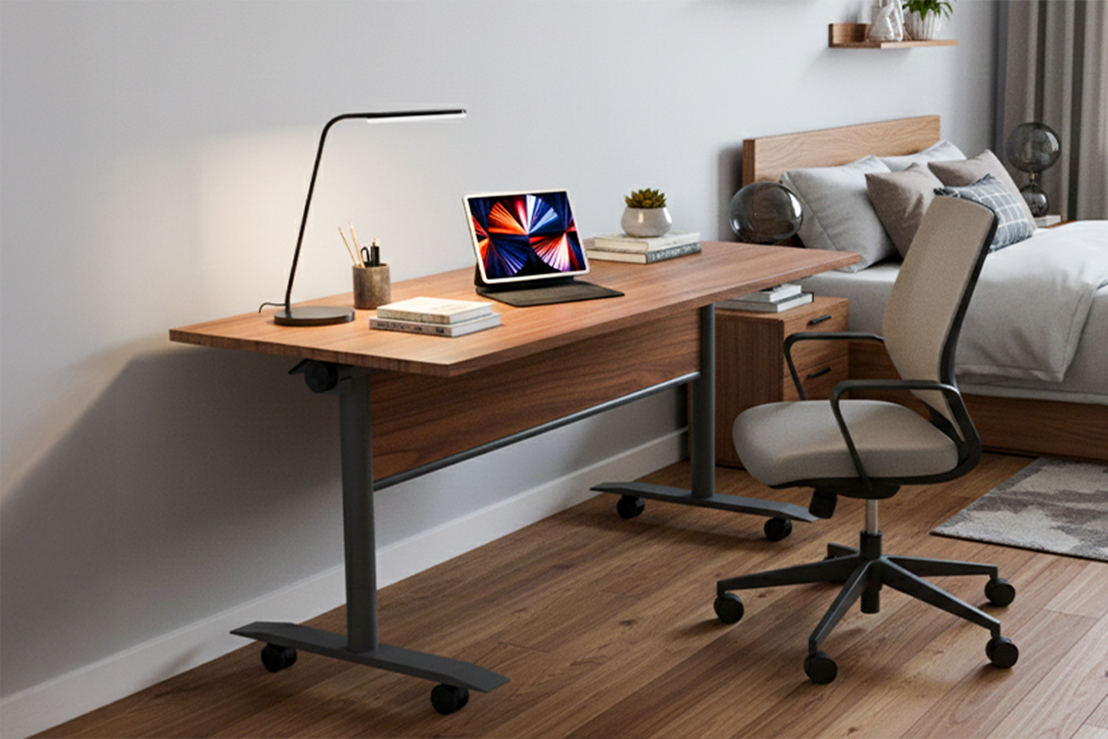
Workstations sit at the heart of IT office furniture requirements, as they shape comfort, focus and floor efficiency.
Desk Size for Two or More Monitors
Developers and support staff often use two monitors, which calls for a desk about 1,500 to 1,800 mm wide. Monitor arms free up the worktop and let each user set screen height quickly.
Power Points and Cable Routing
Power and data points at desk level, with cable trays underneath, keep wires tidy. Good routing also stops cables from being pulled or damaged as users change between shifts.
Height-Adjustable Desks for Long Shifts
Switching between sitting and standing helps people stay alert during long or night shifts. These desks are most useful for roles tied to the screen for hours, such as support and operations teams. AFC’s Height Adjustable Series brings this sit-stand flexibility to busy IT floors.
Getting these details right covers the core furniture requirements for IT offices.
Chairs That Can Handle Round-the-Clock Use
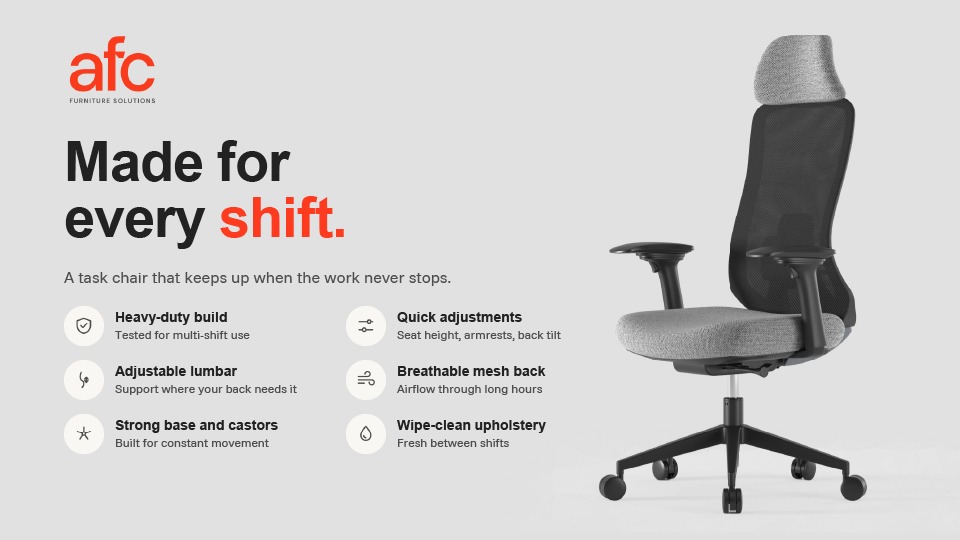
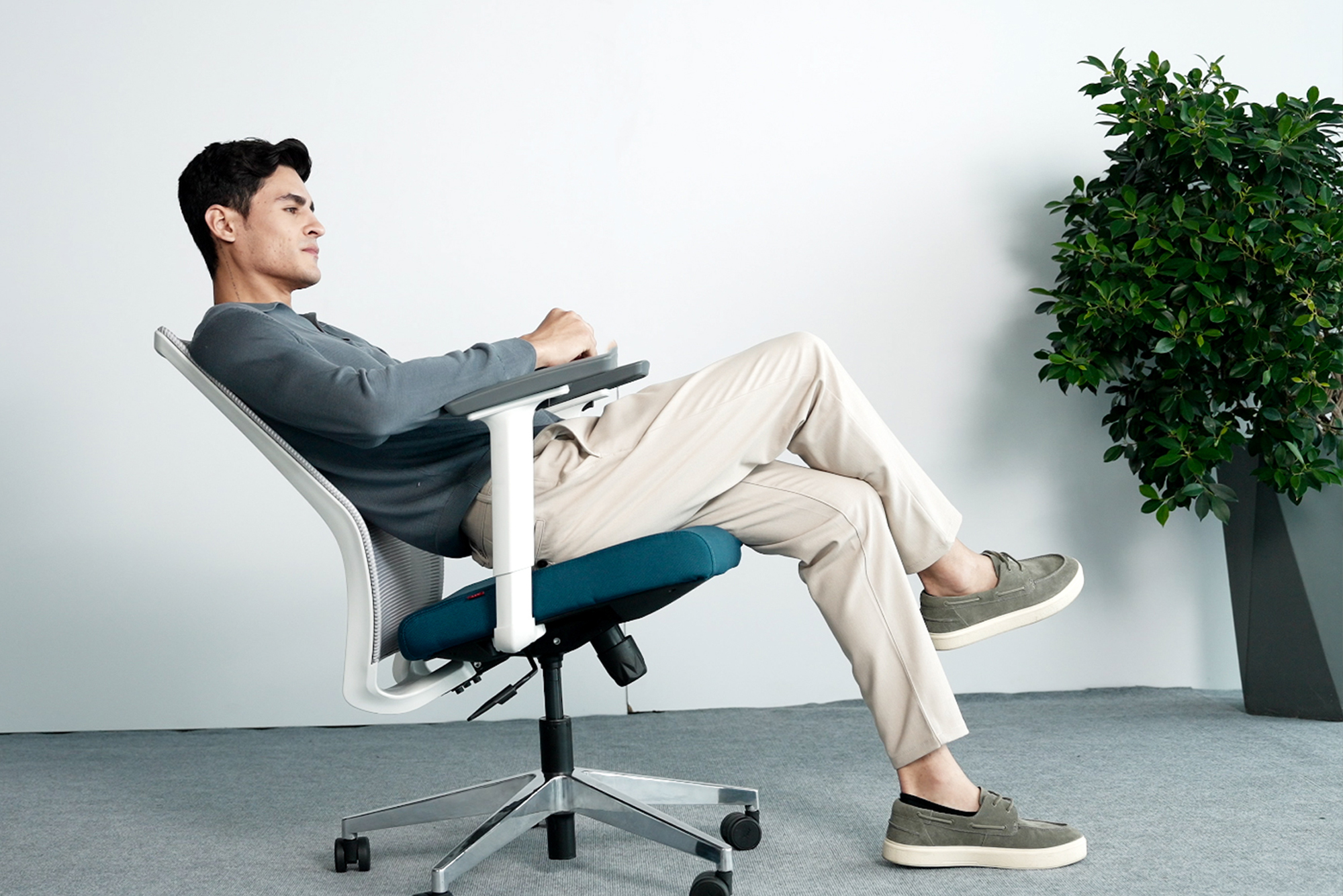
Chairs take the most wear in any shift-based office. Good office furniture for shift workers should offer:
- A build tested or rated for heavy, multi-shift use
- Quick adjustments for seat height, armrests and back tilt
- Adjustable lumbar support
- A mesh back for airflow during long hours
- A strong base and castors for constant movement
- Upholstery that is easy to wipe clean between shifts
A chair that ticks these boxes stays comfortable for every user, whatever the hour.
Lockers and Personal Storage for Shift Teams
Shared desks leave no room for fixed pedestals, so each person needs a personal locker for bags and belongings. Place locker banks near the entrance or along walls, so they do not block aisles at shift change. Shared storage for team files, equipment and headsets keeps desks clear.
Meeting Rooms, Focus Pods and Team Areas
IT teams need meeting tables for stand-ups, sprint planning and calls with remote teams. Phone booths or pods help staff take calls with global clients during off-hours without disturbing others, while collaborative seating suits quick team discussions.
To keep noise down on a busy floor, use partitions between workstations, add sound-absorbing panels and keep calls away from focus areas.
Break Rooms and Rest Areas for Night Shifts
Night teams need a proper place to recharge. Choose cafe tables and chairs that are easy to clean and stand up to heavy use, add some lounge seating for short breaks, and set aside a quiet corner for rest on long shifts.
Planning an IT Office Layout for Shift Work
Knowing how to design an IT office for shift work starts with the right workstation layout.
Other IT office setup requirements include walkways wide enough for shift changeover, roughly 900 mm for main routes and 600 mm for side aisles. Modular workstations also matter, as they can be extended or rearranged as headcount grows instead of being replaced. AFC’s work for TCS in Hyderabad, spanning over 10.5 lakh sq. ft., shows how scalable modular setups can support large IT teams.
How AFC Can Help
AFC Furniture Solutions helps plan, design and deliver office furniture for IT companies and GCCs, with clients including TCS, Infosys and Wipro. Its range covers everything from Desking and Panel Series workstations to mesh chairs, storage and break-room furniture. Before you order, check:
- How many shifts will use each desk
- Whether desks have room for two monitors
- Whether chairs suit multi-shift use
- Whether every shift employee has a locker
- Whether night shifts have a break area
- Whether workstations can be extended as the team grows
Clear answers make it easier to plan an office that works around the clock. To see AFC furniture in person, schedule a visit to an AFC experience centre near you.
Explore Other Popular Blogs

Let’s build together
Tell us about your project and we’ll help you plan, design, and deliver at scale.